
Your camera roll is full of posts you never made.
Drop in your job photos, in any order. Rollout finds every before and after, lines them up, and hands back reels, wipe videos and carousels ready for TikTok, Instagram and Facebook.
Try everything free for 7 days. No card needed.
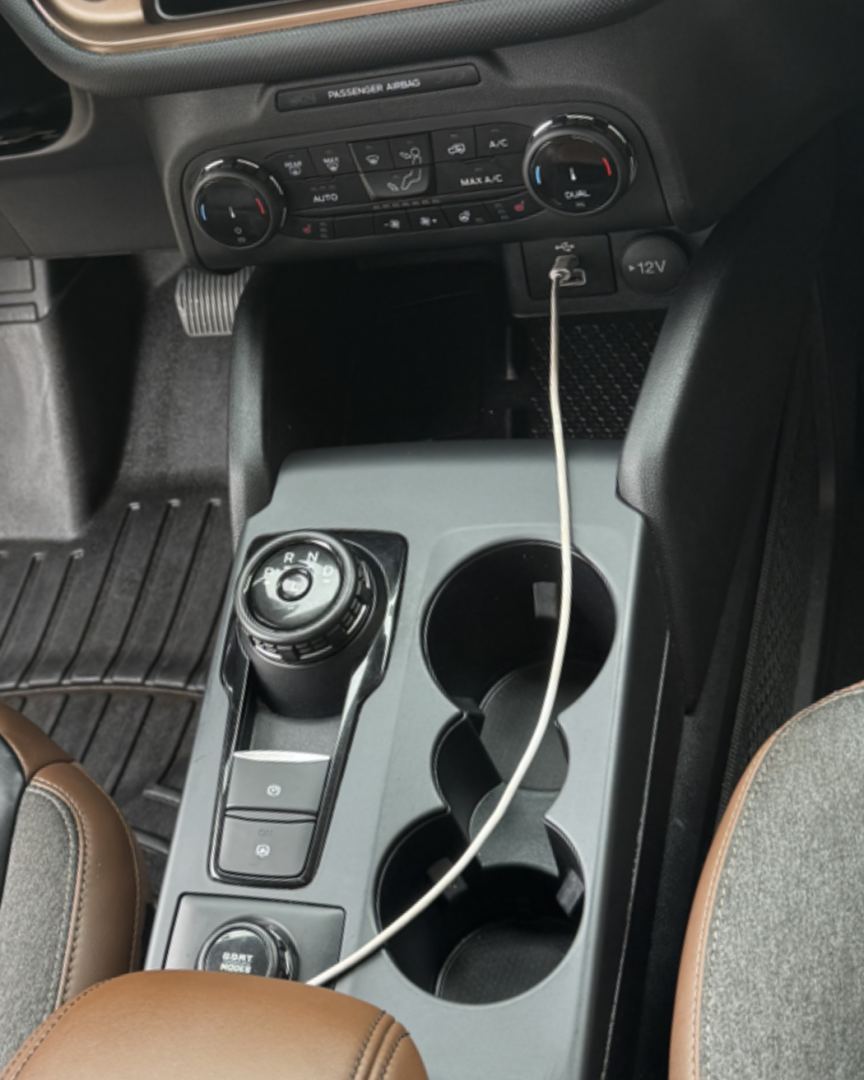
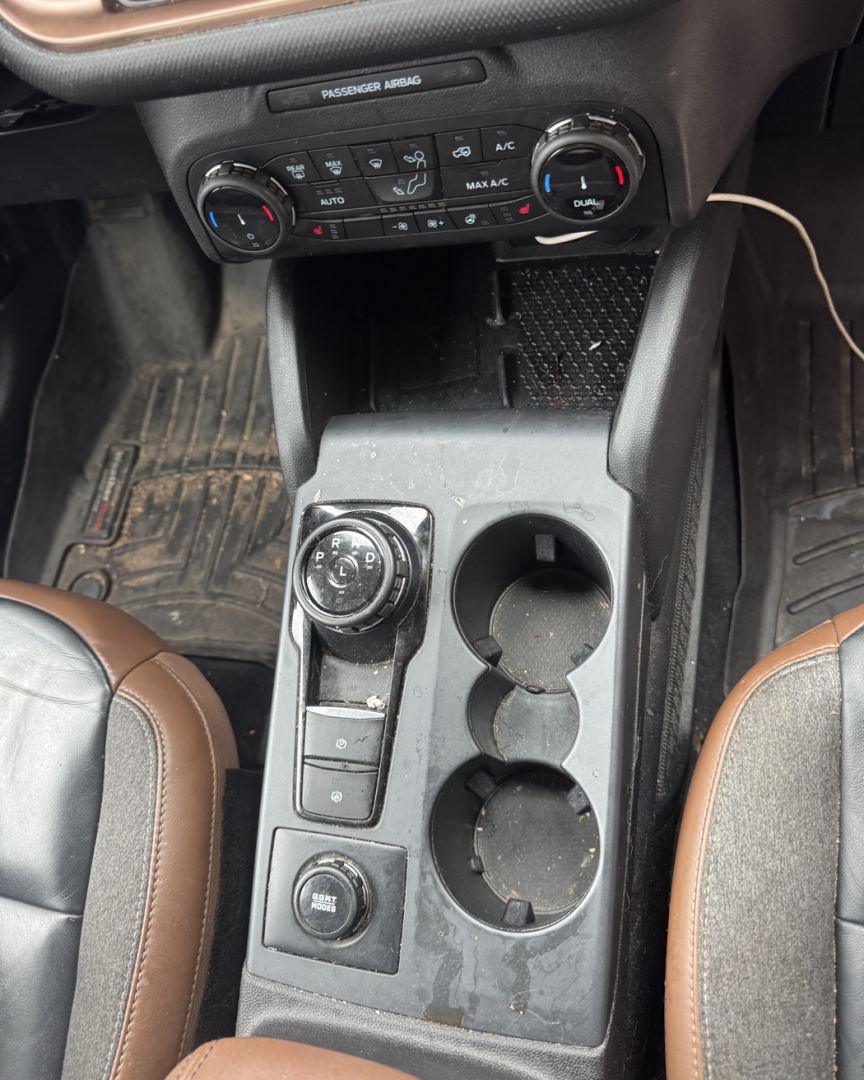 BeforeAfter
How it works
- Add your photos. A whole job or a whole week, straight from your camera roll. No sorting, no picking.
- Rollout does the editing. It splits them into jobs, matches each before with its after, lines the shots up and blurs license plates.
- Save and post. Everything comes back sized for each app. Save it to your phone and post.
What one job gives you
- Dirty to clean reel
- Every dirty shot, one hard cut, every clean one.
- Reveal reel
- Wipe after wipe, building up to the biggest one.
- Wipe videos
- One for every before and after shot from the same spot.
- Carousels
- Every photo, split to fit Instagram's 20 slides.
- Side by sides
- Before and after in one picture.
Real results only: Rollout never makes up an after. Plates are blurred and your original photos are deleted when each job is done.
Built for detailers. Works for barbers, lawn care, pressure washing and cleaning too.
Pricing
Every account starts with 7 days of everything, free. No card needed.
Free
$0
- 7-day trial with everything unlocked: clear your whole backlog
- Then 1 job a month, up to 30 photos
- Both reels, wipe videos, carousels and side by sides
- Rollout watermark on posts
- Posts kept 7 days
Pro
$29/month
or $249 a year, which saves $99
- Unlimited jobs, up to 75 photos each
- Captions and hashtags written for TikTok, Instagram and Facebook
- Posts kept 90 days
- Your logo instead of ours (coming soon)
Founding member
$19/month
for life, first 100 members only
- Everything in Pro
- Your price never goes up
The guided after camera is included on every plan. A job that fails on our side never counts.
Sign in to Rollout
Your jobs and posts are saved to your account.
Add your job photos
Your showroom
Every job you've made. Tap one to open its posts again.
Line up your afters
Pick the before photos you took. For each one, the camera shows it faded over the live view: line it up and shoot. Every after then matches its before, so every one becomes a wipe. Your befores stay on this phone until you're done, even if you come back hours or days later.
Making your posts
Keep this page open. Most jobs take under a minute.
Uploading
That didn't work
Your posts are ready
Tap Save to send a video or slides to your camera roll, then post them from there.